
Software · SDK
VitalTrack EEG SDK
A Flutter SDK that receives processed EEG data from the VitalTrack EEG board. Supports Android, iOS, Windows, and Linux; version 1.0.0.
Version 1.0.0
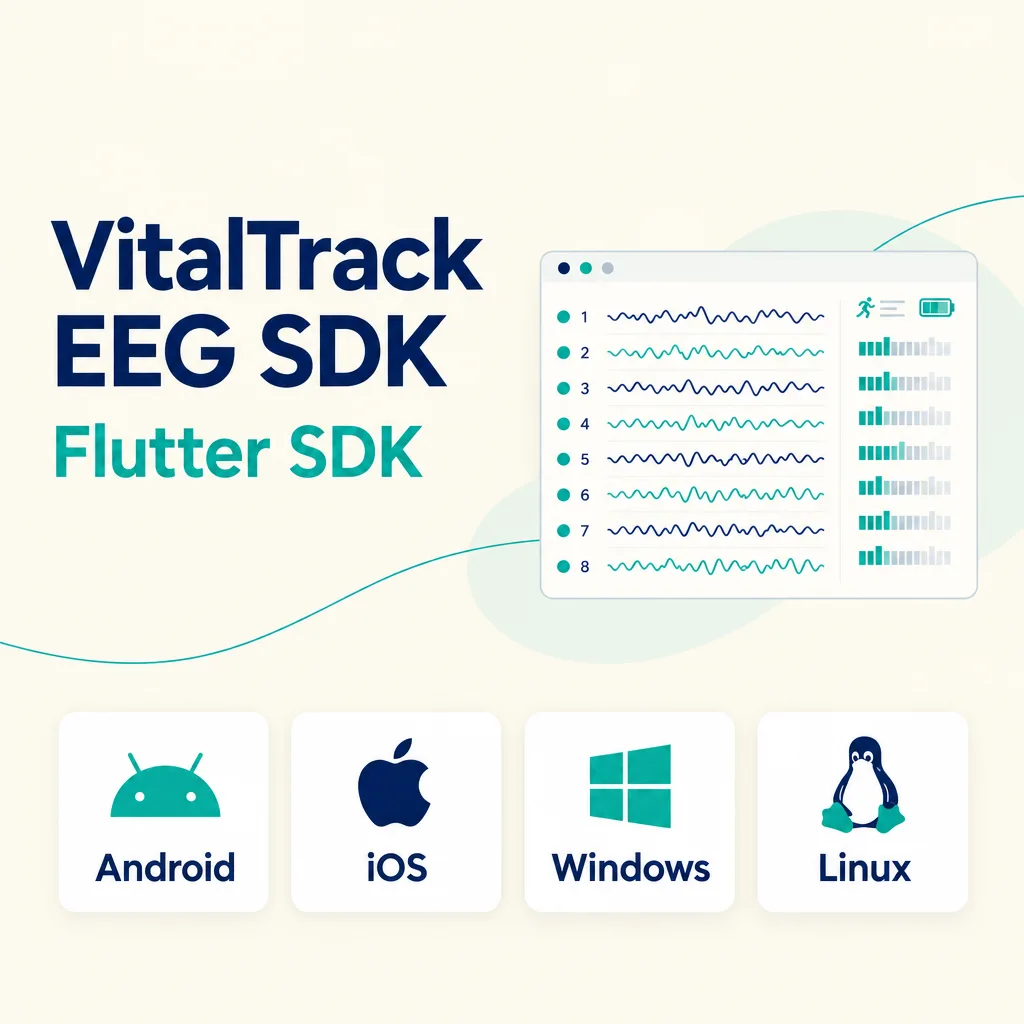
This is a Flutter SDK that receives processed EEG data from the VitalTrack EEG board. It enables Flutter apps to perform tasks ranging from device discovery and connection to starting and stopping measurements, as well as receiving EEG data, electrode contact status, band power, motion data, and battery information. The featured image is a conceptual illustration depicting the SDK’s functionality.
Features
• Device Discovery and Connection: Searches for and connects to nearby devices.
• Start/Stop Measurement: Select the channels to use and start or stop the measurement.
• Processed EEG Stream: Provides EEG data at up to 8 channels and 250 Hz. Units are in μV.
• Electrode Contact: Checks the status of each channel as “Normal,” “Weak,” or “Not Attached.”
• Band Power: Provides the relative percentages (%) of δ, θ, α, β, and γ bands for each channel.
• Motion: Displays acceleration (g) and angular velocity (°/s).
• Battery: Checks remaining charge, voltage, and charge status.
The SDK provides a data stream; data storage is implemented within the app.
Supported Platforms
• Windows: Windows 10 or later, x64
• Linux: x64, glibc 2.34 or higher (Ubuntu 22.04 or higher), BlueZ
• Android: Android 7.0 (API 24) or later
• iOS: iOS 13.0 or later
All four platforms are integrated using Flutter.
Sample App
You can follow the workflow: device discovery and connection → channel selection → start/stop measurement → save to CSV. It also displays EEG waveforms, electrode contact status, motion, and battery information. The complete example is located in the `example/` directory of the package.
Requirements
• Android: Android 12 and later require Bluetooth discovery and connection permissions; Android 11 and earlier require location permissions. You must request these permissions while the app is running before searching for devices.
• iOS: You must add a description of Bluetooth usage to Info.plist.
• Linux: BlueZ must be running, and the user account must have Bluetooth permissions.
• Windows: A Bluetooth LE-compatible adapter is required.
Download
You can find the `eeg/` folder for the VitalTrack EEG SDK by clicking the download button above. The public Git tag used for installation is `eeg-v0.1.0`.
Inquiries
For inquiries regarding SDK implementation and usage, please use the “Contact Us” link at the top of the homepage.
Getting Started
Add the following Git dependency example to `pubspec.yaml`, then run `flutter pub get`. Use the actual published installation tag for `ref`.
dependencies:
  vitaltrack_eeg:
    git:
      url: https://github.com/NewertDev/VitalTrack-SDK.git
      path: eeg
      ref: eeg-v0.1.0
The code below is an example of the call sequence, excerpted from the README, showing the steps required for discovery and connection, EEG reception, and starting and stopping measurements. In your app, you’ll need to link the start and stop functions to user actions (such as buttons) and implement EEG reception processing and storage.
Minimum Code Example
import 'package:vitaltrack_eeg/vitaltrack_eeg.dart';

final sdk = VitalTrackEeg.instance;

final boards = await sdk.scan(timeout: const Duration(seconds: 5))
    .firstWhere((list) => list.isNotEmpty);

final board = await sdk.connect(boards.first);

board.eeg.listen((samples) {
  for (final s in samples) {
    // s.microvolts[0..7]: 채널 1~8의 정제 EEG (μV). 쓰지 않는 채널은 0
  }
});

await board.start(channels: {1, 2, 3, 4});

final result = await board.stop();
await board.disconnect();