
Build it yourself
Multi-platform SDK
Your program receives signals directly from the band. Android and iOS integrate through Flutter; Windows and Linux use Python.
Apply
Pull the band's signal straight into your code with the four-OS SDK, or hand the integration and the screens over to us.
05Apply
Build it yourself or hand it over — the signal leaving the band is the same
Build it yourself
Your program receives signals directly from the band. Android and iOS integrate through Flutter; Windows and Linux use Python.
Hand it over
We design measurement and analysis screens for your research or service environment and deliver the agreed development scope.
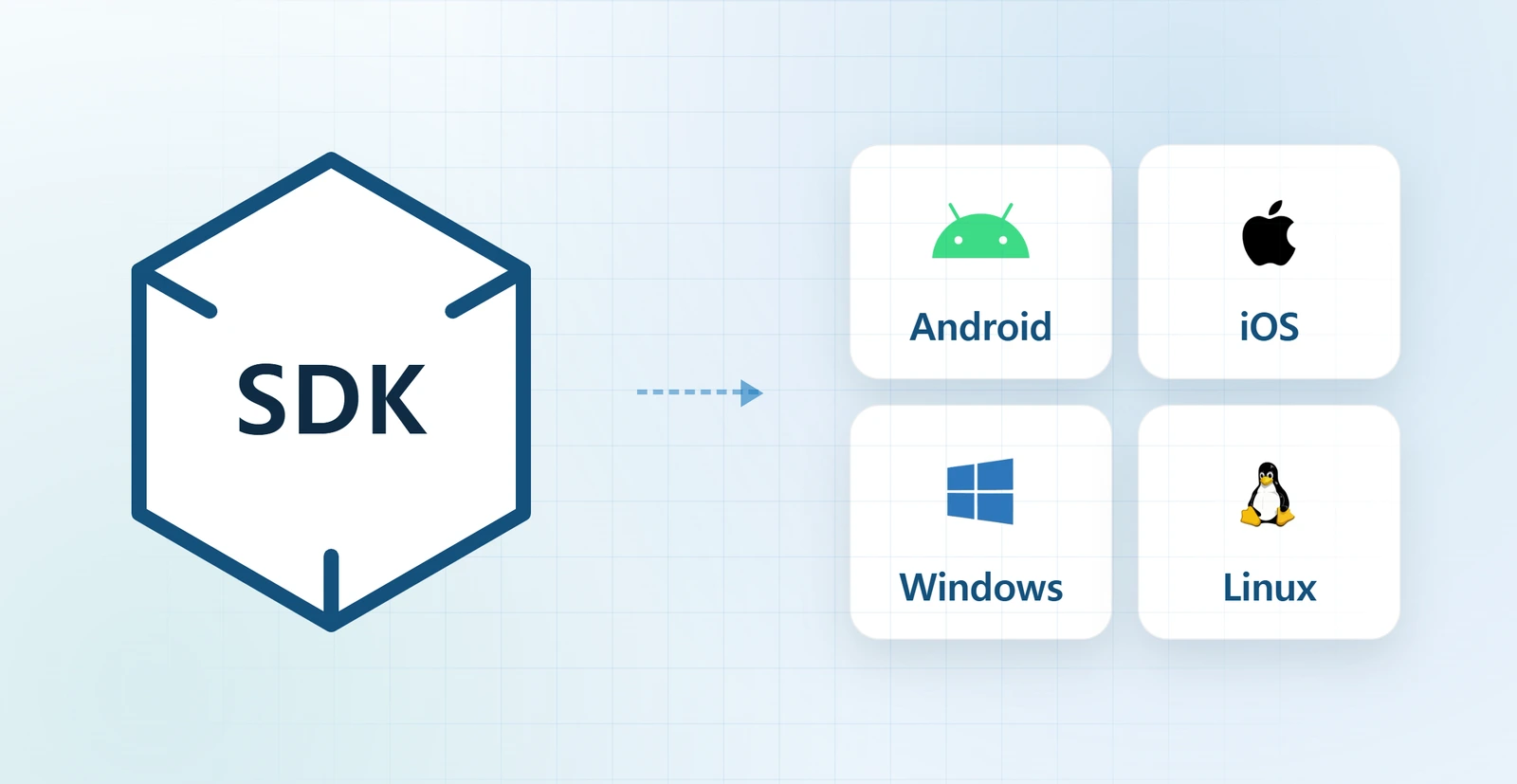
SDK
Android and iOS integrate through Flutter; Windows and Linux use Python. Each platform SDK can receive the band's raw signals directly.
What you receive matters more than whether it connects
Free
PRO only
The filtered waveform is currently delivered by the Windows and Linux SDKs.
Filtered waveform
The original signal carries the noise that motion put there. With PRO the filtered waveform arrives alongside it, so you don't rebuild a filter on your side. Toggle it below and see what changes.
Synthetic demo · not measured data
Filter off: raw PPG is shown with motion-related artifacts in the highlighted interval.
Synthetic demonstration data. It does not represent a product test result or a measured noise-reduction rate.
Measurement screens shaped to your protocol, integration into a system you already run, analysis screens for the results. Pick only the parts you need.

Whether you build directly or commission the work, aligning signals, environment and deliverables first reduces rework
Define signals, operating systems, real-time needs and storage behavior.
Use SDK documentation and sample data to verify fields and the receive structure.
Implement discovery, connection, streaming and storage in your application.
Check connection stability and output files under the real measurement conditions.
Getting started
The SDK is downloaded per operating system from the store. If you are not sure where it should attach, ask us before you start.