

Data platform available now
Biosignal Datahub
Create experiments and store measurement files with participant and signal information. Search uploaded data or download it again when needed.
View details Open DatahubPlatforms
Manage studies and measurement files in Biosignal Datahub, and use BioLink to review the Newert Health multi-device dashboard.
What do you need to manage?
Choose Datahub to manage study files and context, or BioLink to monitor multiple devices on one dashboard.
Data platform available now
Create experiments and store measurement files with participant and signal information. Search uploaded data or download it again when needed.
View details Open DatahubNewert Health multi-device dashboard
A multi-device operations dashboard in Newert Health for reviewing participant device connections and measurement status in one place.
Connected devices shown on the dashboard
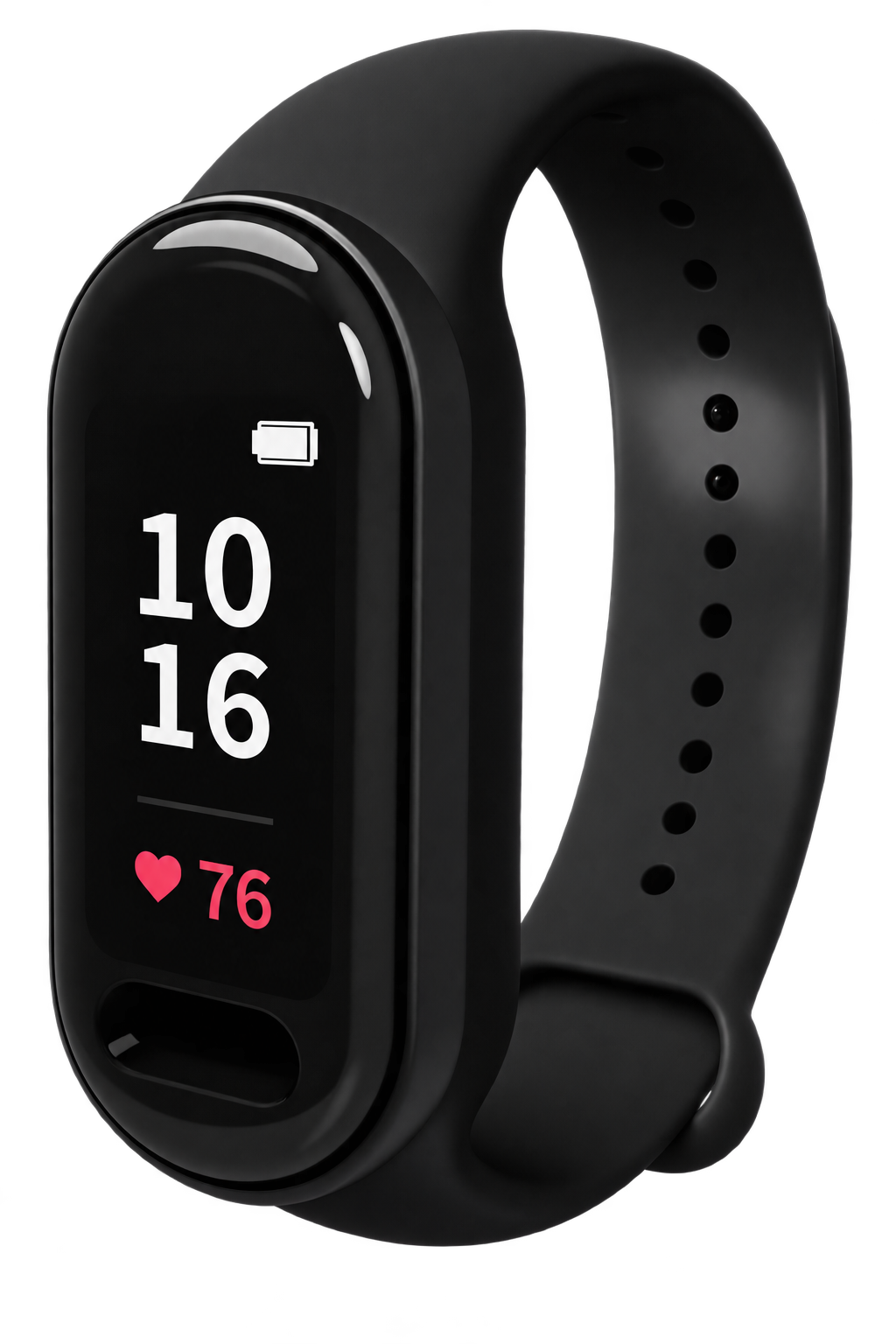
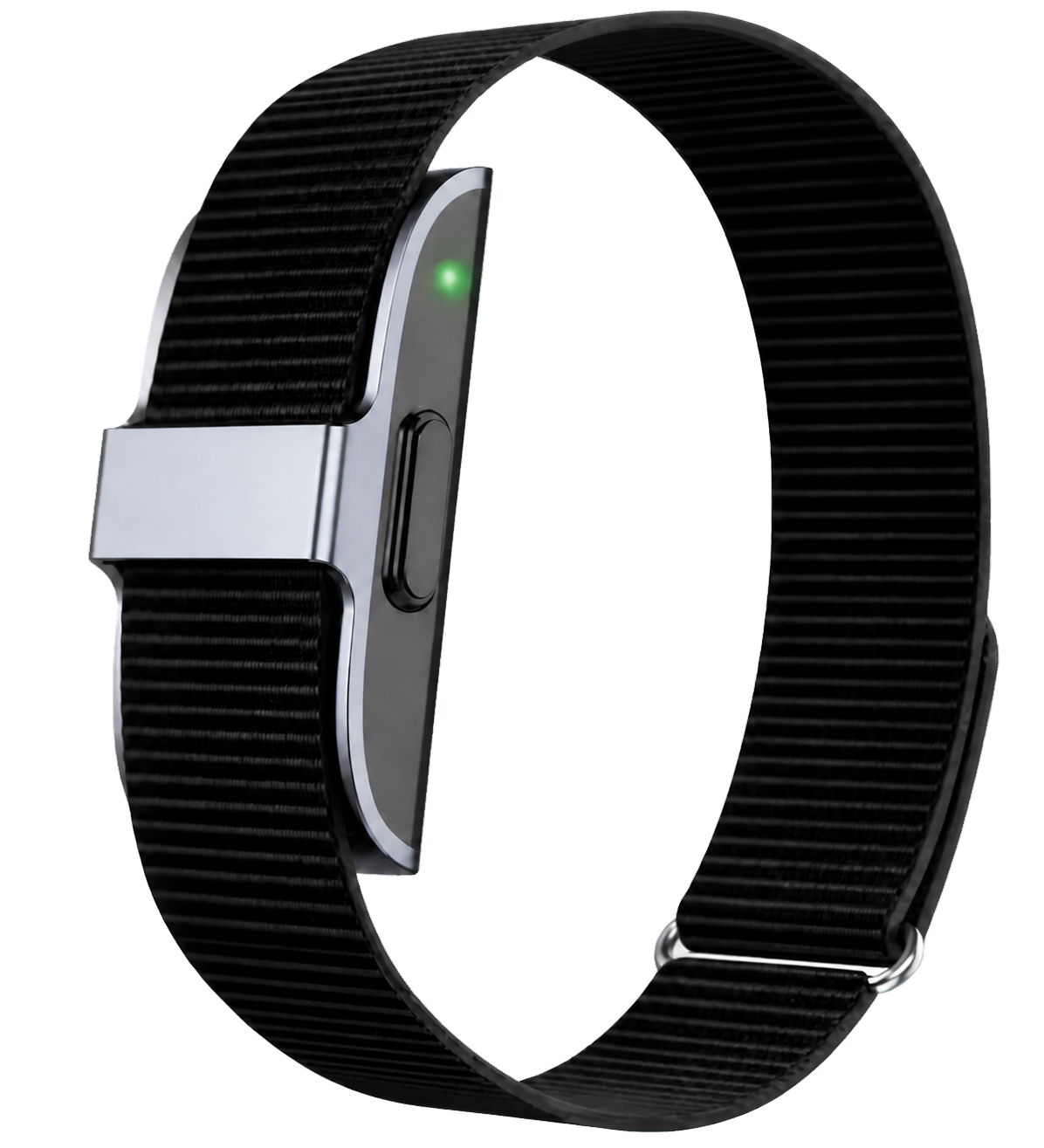
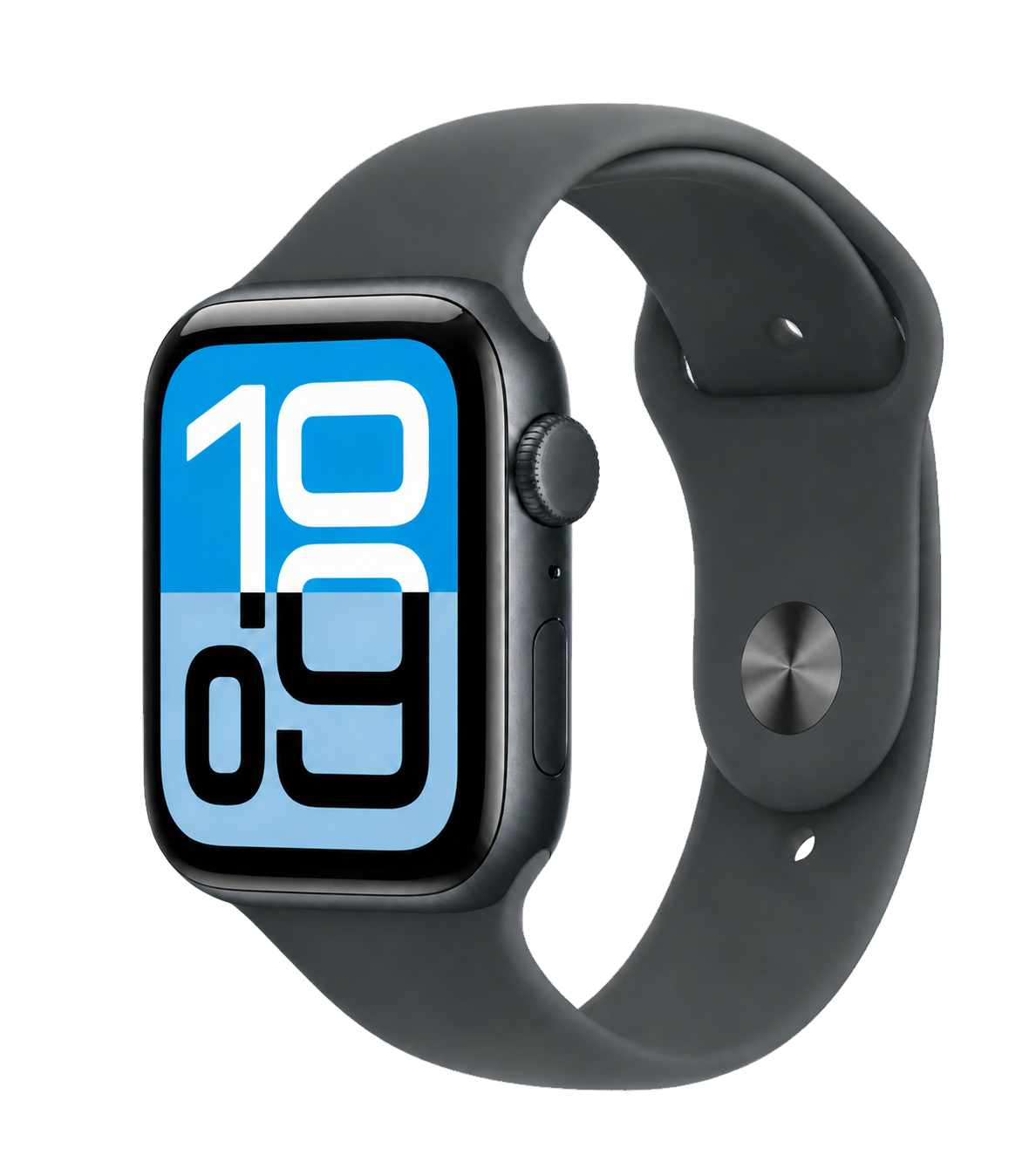
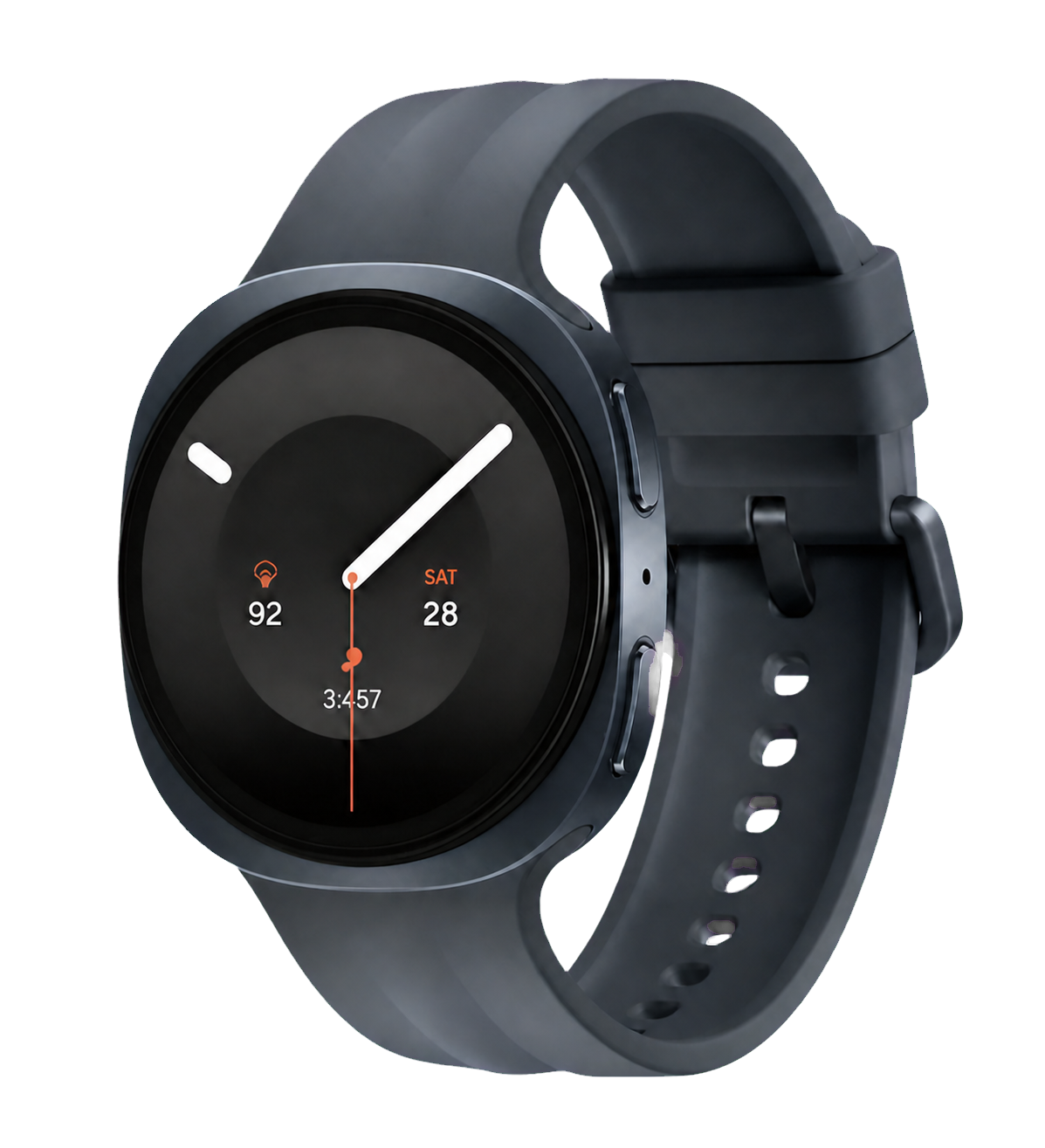
Review EmoConnect, BioLink Band, Apple Watch, and Galaxy Watch data by participant.
Biosignal Datahub
Connect files to experiments, participants, signals, and events so you can find and reuse data by study conditions later.
Upload data from measurement devices and existing files.
Organize experiment, participant, and signal information into a common structure.
Find the datasets you need by condition and metadata.
Review data characteristics with event-based descriptive statistics.
Research teams and partner organizations work from the same data context.
This is the starting sequence shown on the Datahub home page.
Create an account and sign in. The current interface provides a free-start path.
Create a study workspace and choose whether it is public or private.
Upload measurements, review data, capacity, and participant summaries, then download files when needed.
Experiments overview
Files by data type
Biosignal Datahub experiments overview showing experiment information and uploaded file counts by data type
BioLink × Newert Health
Multi-device dashboardThe Newert Health BioLink dashboard brings each participant's device, battery, measurement status, and primary metrics into one view.
The card header shows the connected device and GPS state; the card body shows heart rate, RMSSD, steps, and activity intensity.
View detailsNewert Health BioLink dashboard showing multiple participants and connected devices
Next step
Open the Datahub guide to manage measurement files, or the BioLink detail page to review the Newert Health multi-device dashboard.
Biosignal Datahub
Organize experiment, participant, event, signal, and device information for upload, search, analysis, and sharing.
BioLink × Newert Health
See how Newert Health organizes connected devices and measurement status by participant.