
Software · SDK
EmoConnect SDK
A Flutter SDK that receives PPG and motion data from EmoConnect devices. Android and Windows (Linux and iOS in the next version), version 0.1.0.
Version 0.1.0
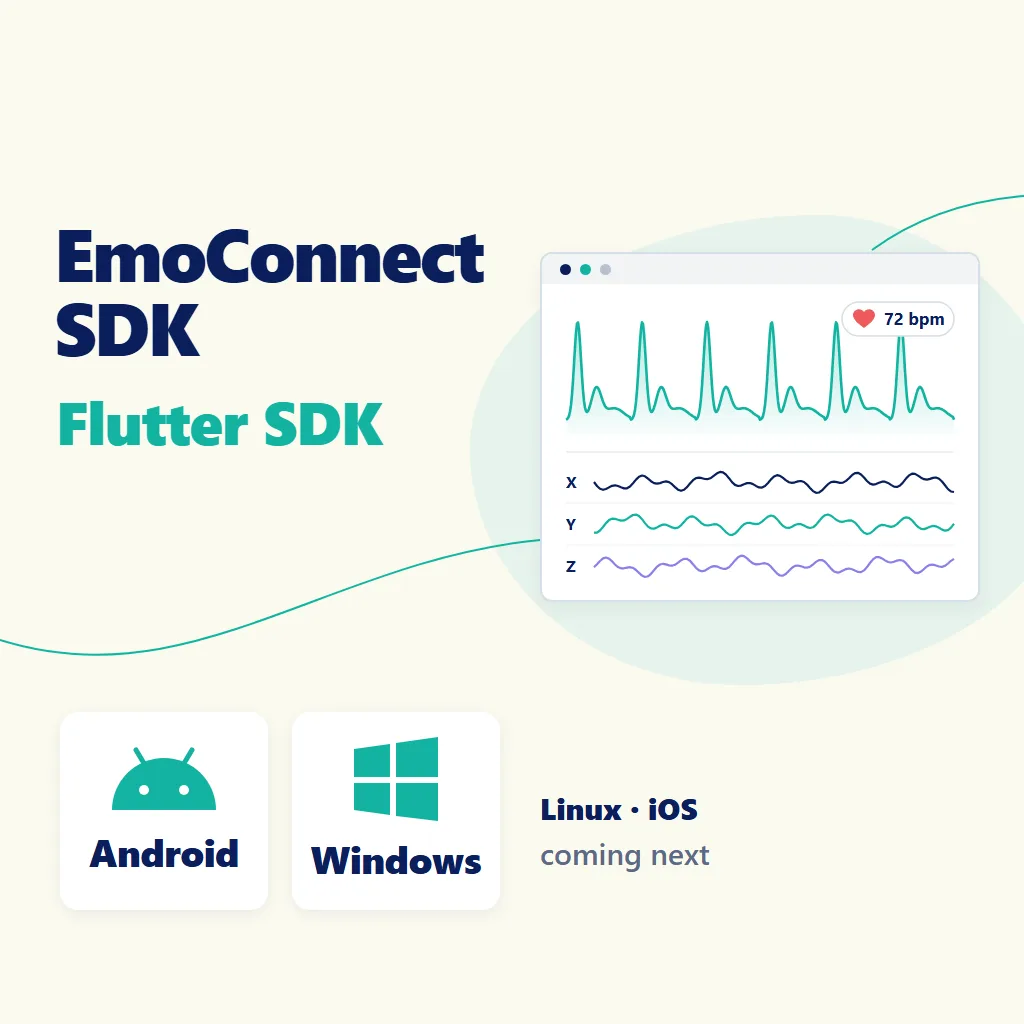
A Flutter SDK that receives PPG and motion data from EmoConnect devices. From scanning and connecting to starting and stopping a measurement and receiving PPG, 9-axis motion and battery data, everything is available in a Flutter app. With a licence, the SDK also delivers a processed PPG waveform, the heart rate and the wearing state. The product image is a concept illustration of what the SDK does.
Features
• Scan and connect: finds nearby EmoConnect devices and connects to them.
• Start and stop: starts and stops a measurement with the PPG brightness you choose.
• PPG stream: 50 samples per second (50 Hz).
• Motion: acceleration (m/s²), rotation (rad/s) and magnetic field (µT), 50 Hz each.
• Battery: level in percent.
• Automatic reconnect: when the connection is lost during a measurement, the SDK finds the device again, reconnects and continues the measurement.
• Pro tier (licence): adds the processed PPG waveform, the heart rate (bpm) and the wearing and motion state.
The SDK provides data streams; storing the data is up to your app.
Platforms
• Android: Android 7.0 (API 24) or later
• Windows: Windows 10 or later, x64
• Linux, iOS: planned for the next version
Example app
Shows the flow of scanning and connecting, starting and stopping a measurement and saving a CSV file. It displays the PPG, processed PPG and acceleration charts, the heart rate and the battery level. The full example is in example/ in the package.
Requirements
• Android: Android 12 and later need the Bluetooth scan and connect permissions; Android 11 and earlier need the location permission. Request the runtime permissions before scanning.
• Windows: a Bluetooth LE adapter is required.
• Flutter 3.38 or later.
• Pro tier: a licence of a Biosignal DataHub account and an internet connection. Once confirmed, it keeps working offline for up to 30 days.
Download
The download button at the top opens the EmoConnect SDK repository. The public Git tag used for installation is v0.1.0. The developer manual (PDF) is in the doc/ folder of the repository.
Notice
This SDK is not a medical device and must not be used for clinical diagnosis or treatment.
Contact
For questions about adopting the SDK, licences and usage, use “Contact” at the top of the website.
Getting started
Add the Git dependency below to pubspec.yaml and run flutter pub get.
dependencies:
  emoconnect_sdk:
    git:
      url: https://github.com/NewertDev/EmoConnect-SDK.git
      ref: v0.1.0
The code below is taken from the README and shows the order of calls for scanning and connecting, receiving data and starting and stopping a measurement. In your app, connect start and stop to user actions such as buttons, and implement the handling and storing of the data.
Minimal code
import 'package:emoconnect_sdk/emoconnect_sdk.dart';

final sdk = EmoConnect.instance;

final devices = await sdk.scan(timeout: const Duration(seconds: 5))
    .firstWhere((list) => list.isNotEmpty);

final device = await sdk.connect(devices.first);

device.samples.listen((samples) {
  for (final s in samples) {
    // s.ppg: PPG, s.acceleration / s.rotation / s.magnetic: x, y, z
  }
});

await device.start();

final result = await device.stop();
await device.disconnect();